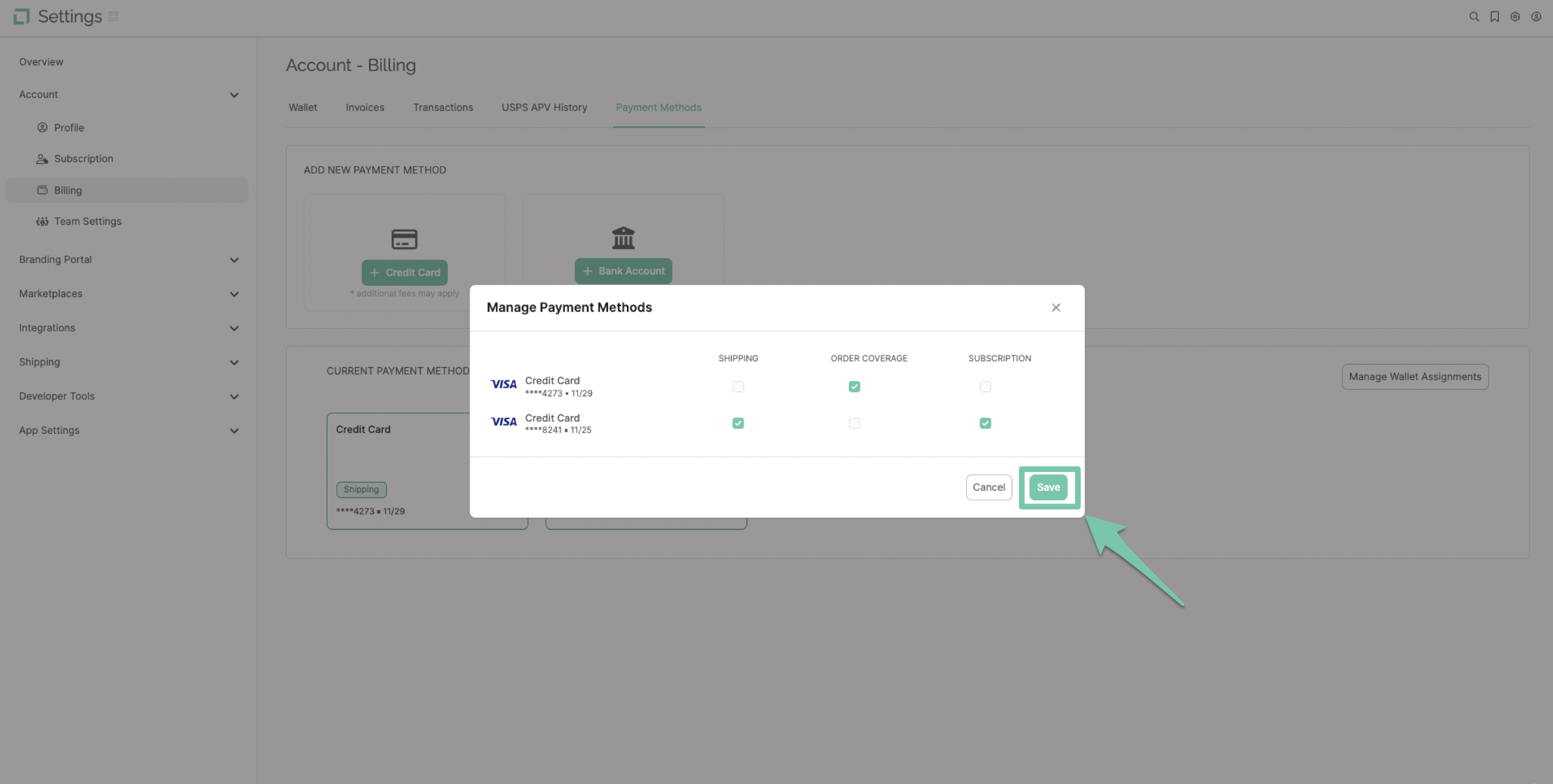
Each payment method in your LABL account can be assigned to a different charge making payment organization easier than ever!
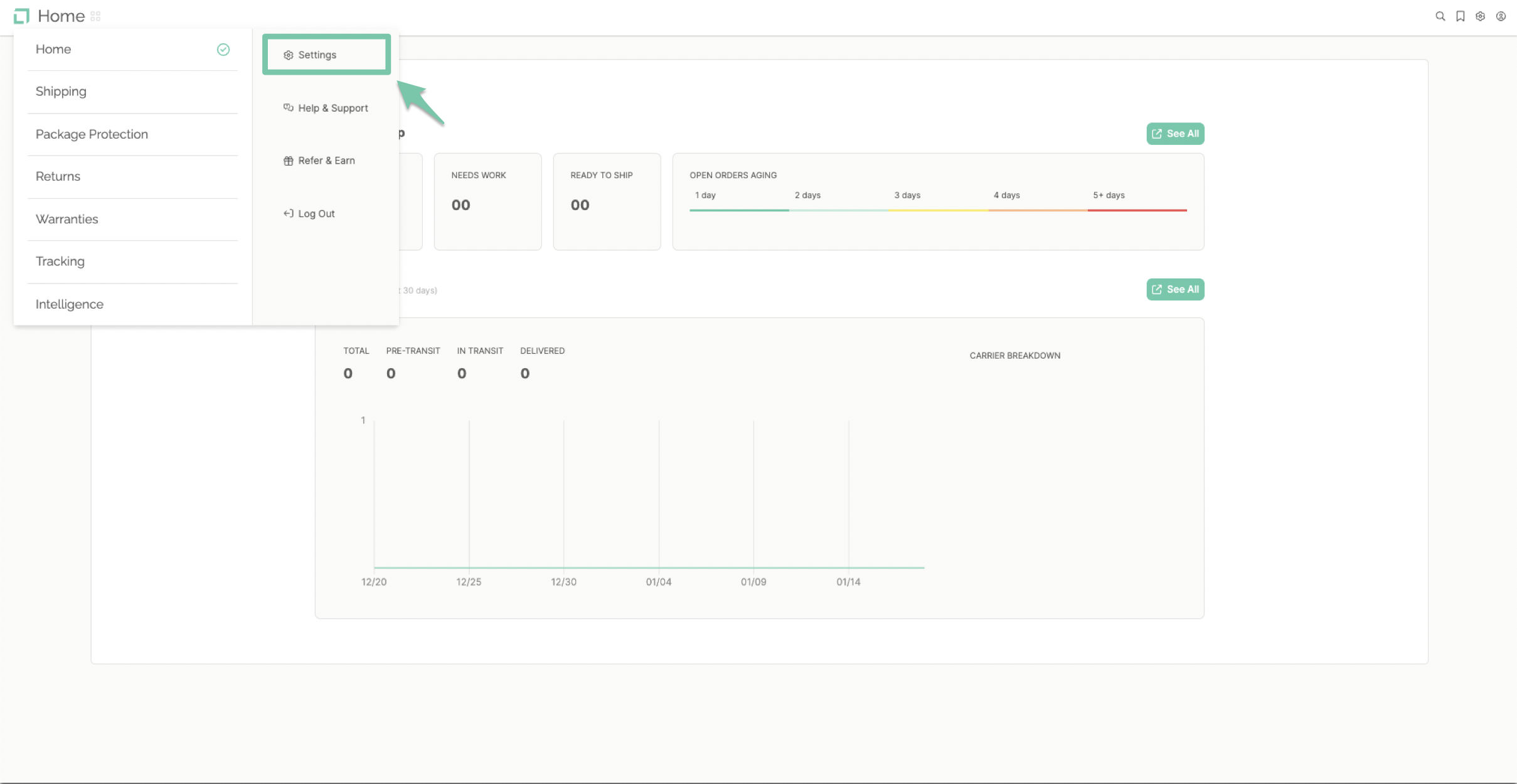
From the main dashboard, select "Settings" found in the navigation menu on the left-hand side.
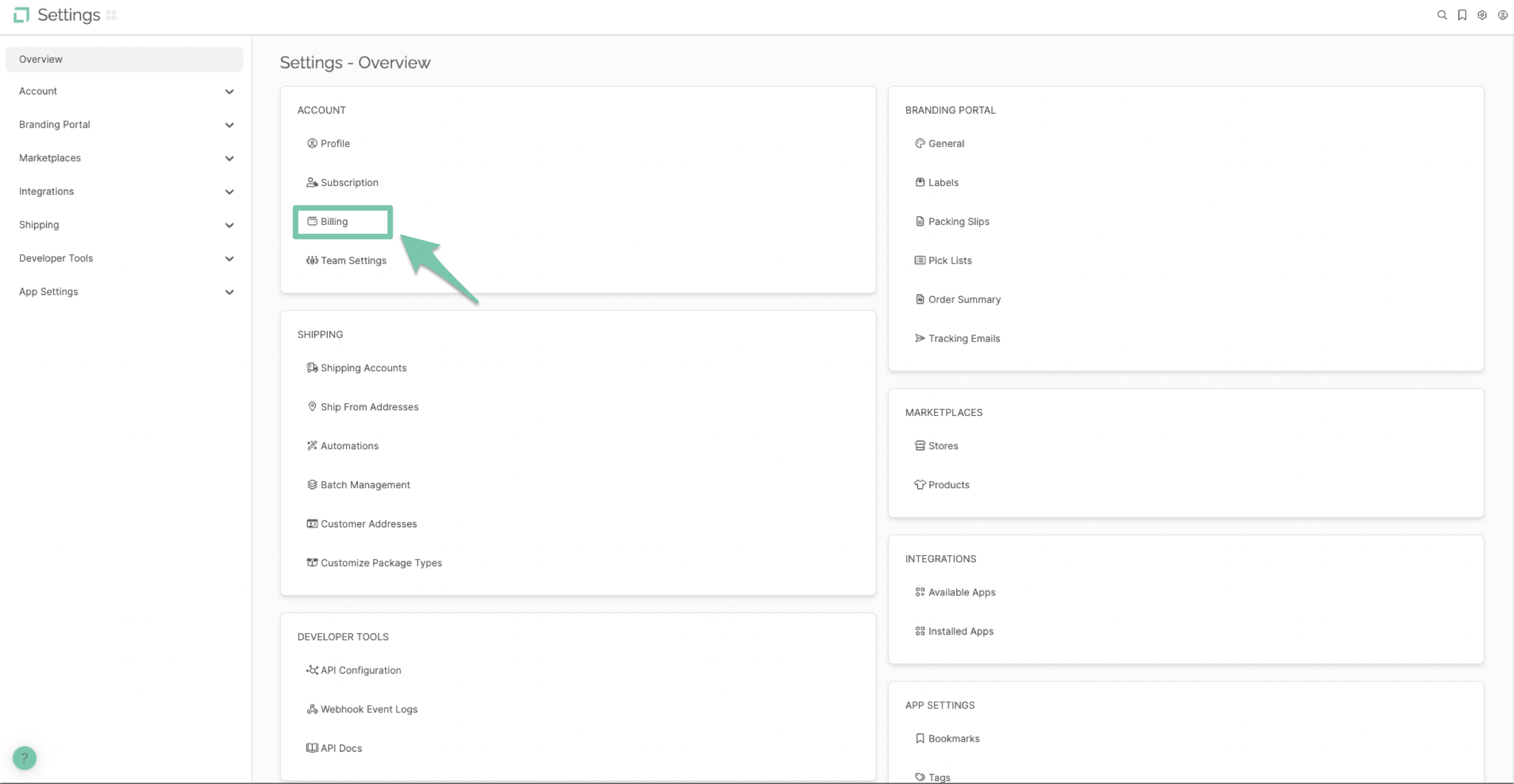
From the settings overview, click on the option labeled "Billing" in the account settings area.
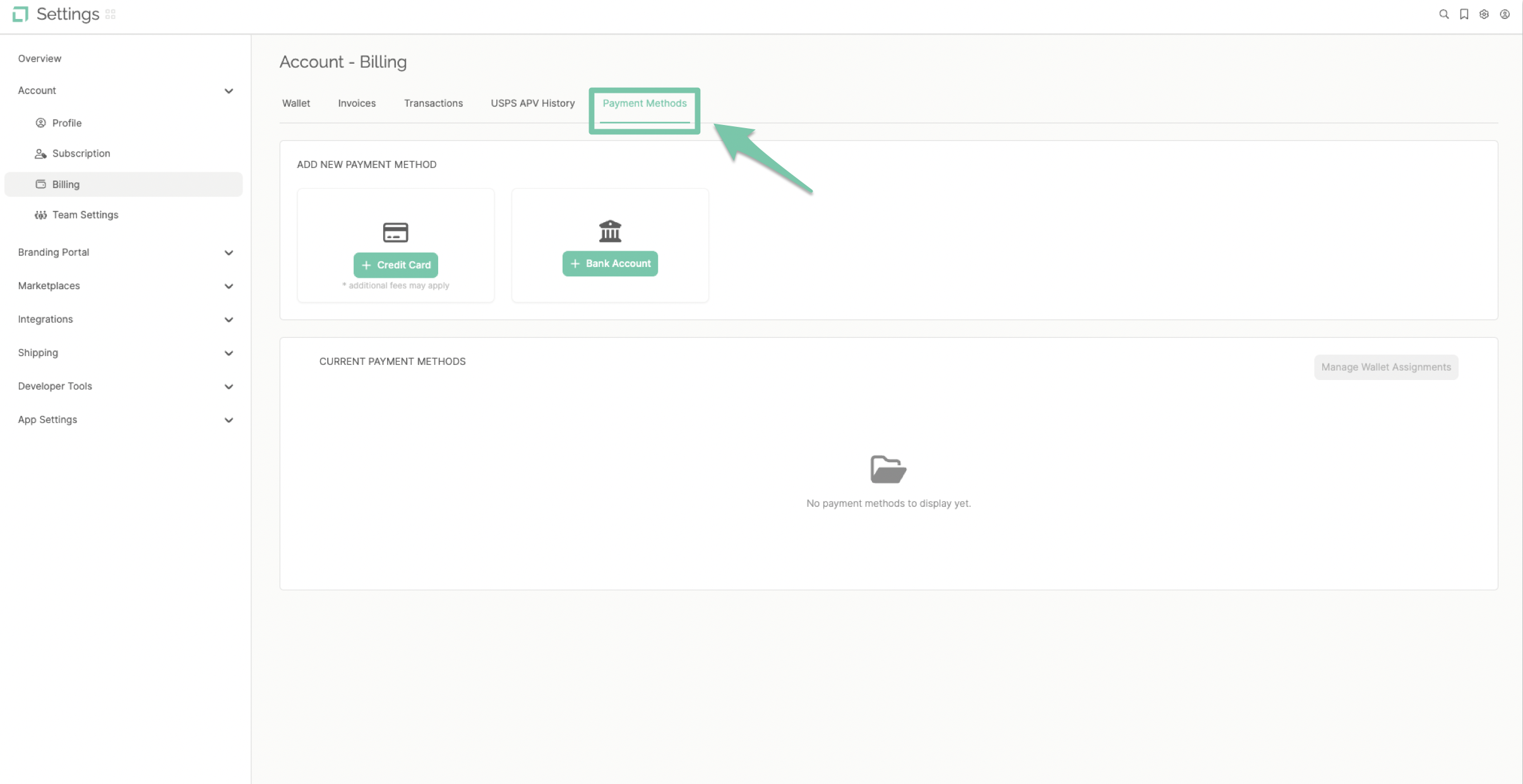
For handling payment methods, click on the Payment Methods tab within billing.
Each payment method can be responsible for a different wallet assignment. They will be listed under the respected form.
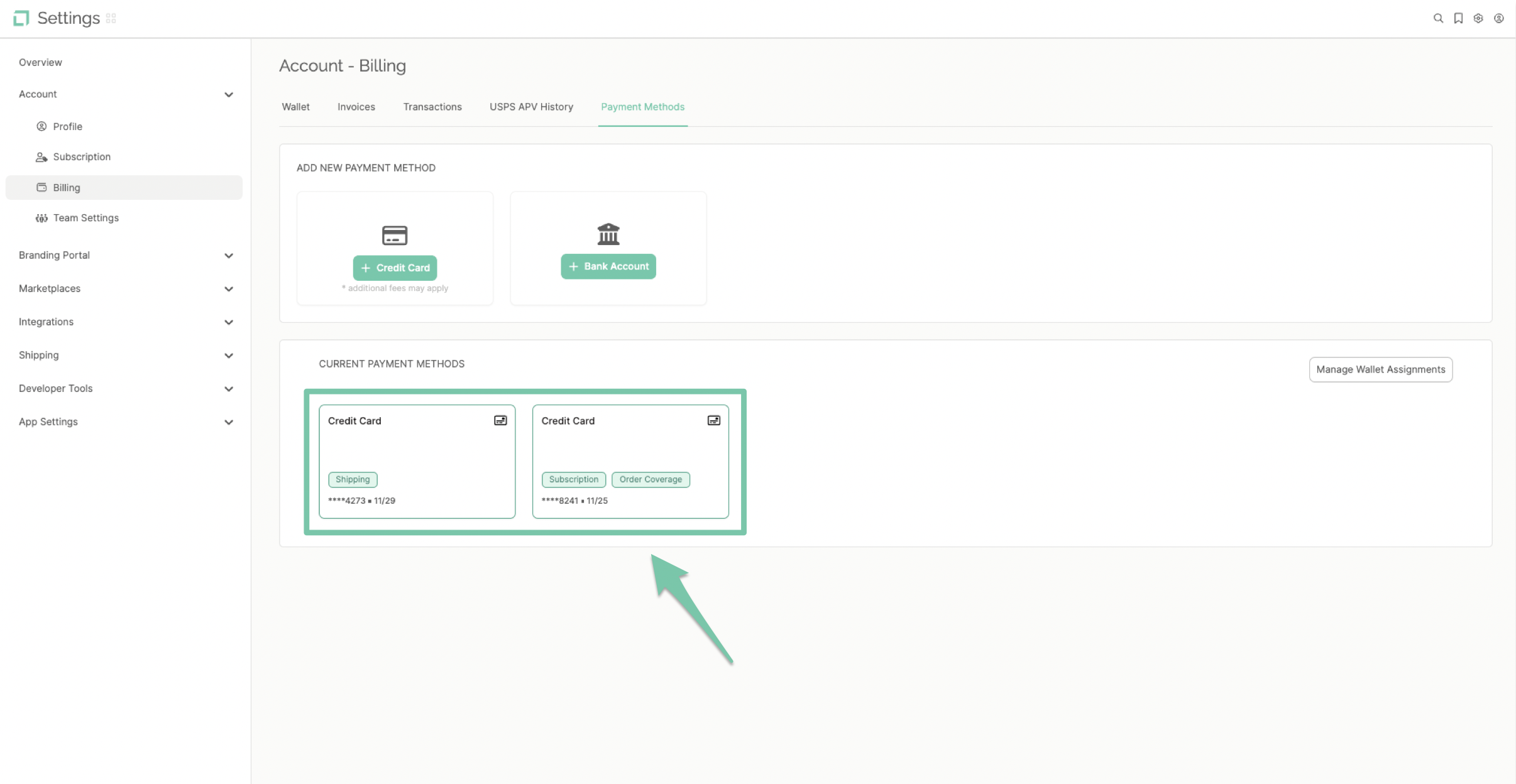
To manage the assignments click "Manage Wallet Assignments" and click save when they are assigned as desired.