Connecting Amazon Shipping to LABL
This article provides a step-by-step guide on how to connect your Amazon Shipping account to LABL.
Setting Up the Connection
To set up the Amazon Shipping connection with LABL, follow these steps:
-
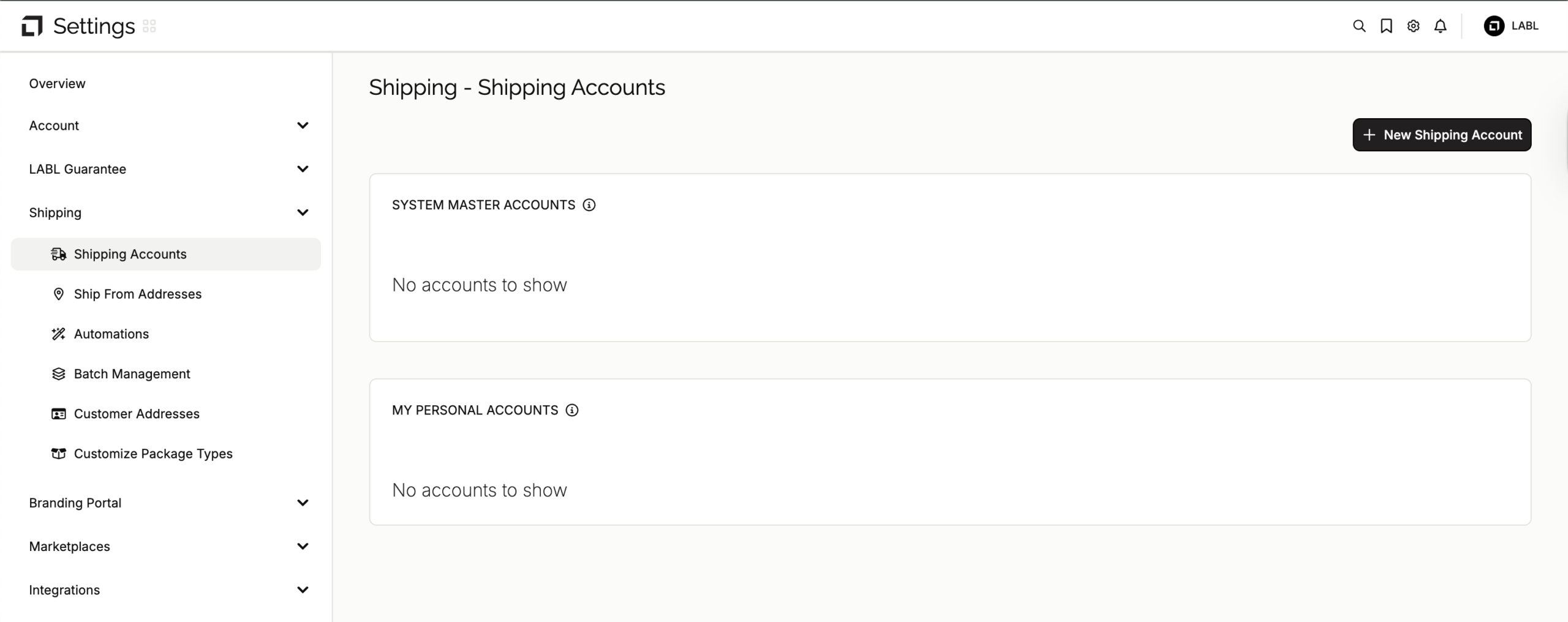
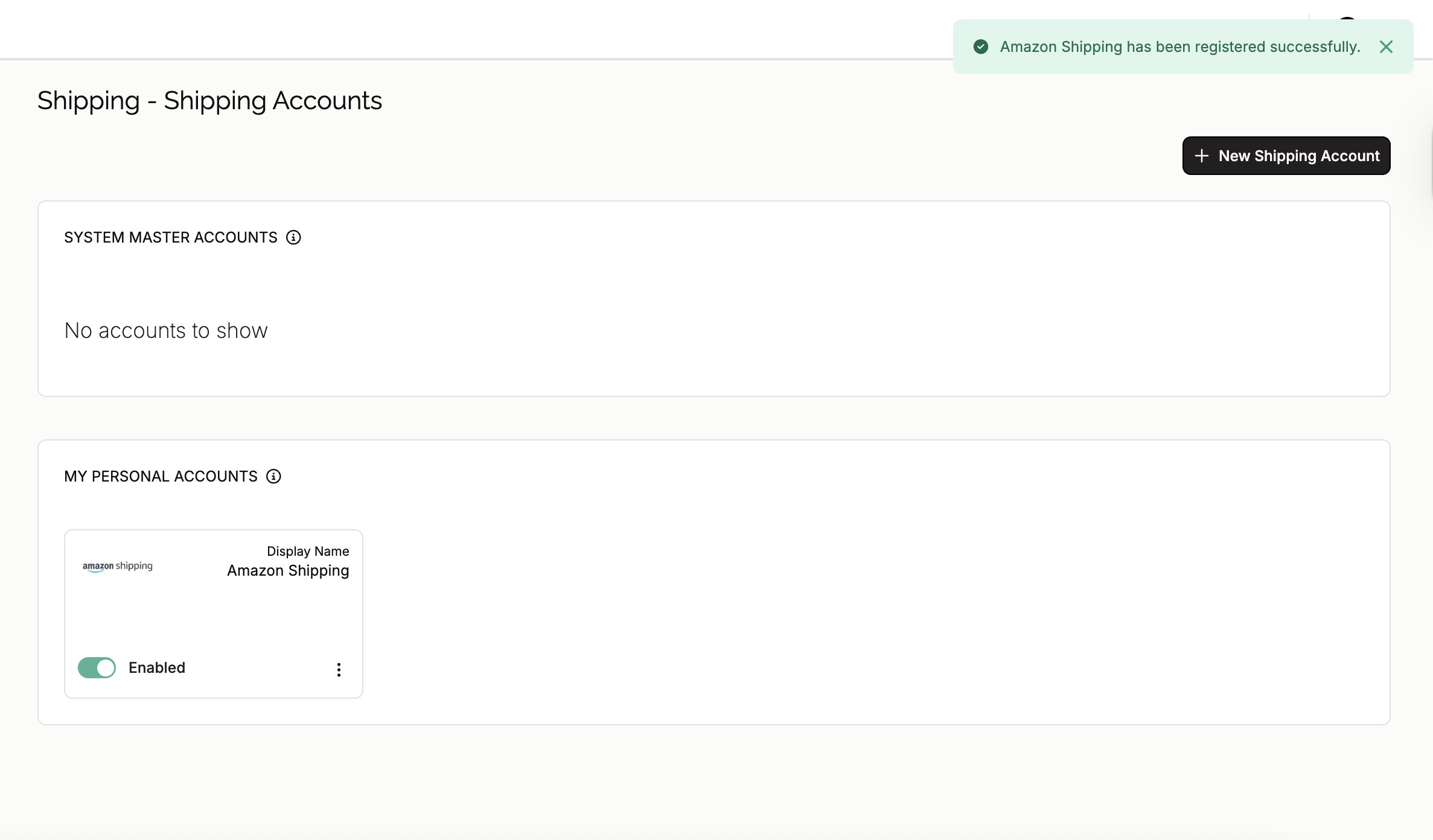
Navigate to your LABL Settings, locate the "Shipping" section, and select "Shipping Accounts".
-
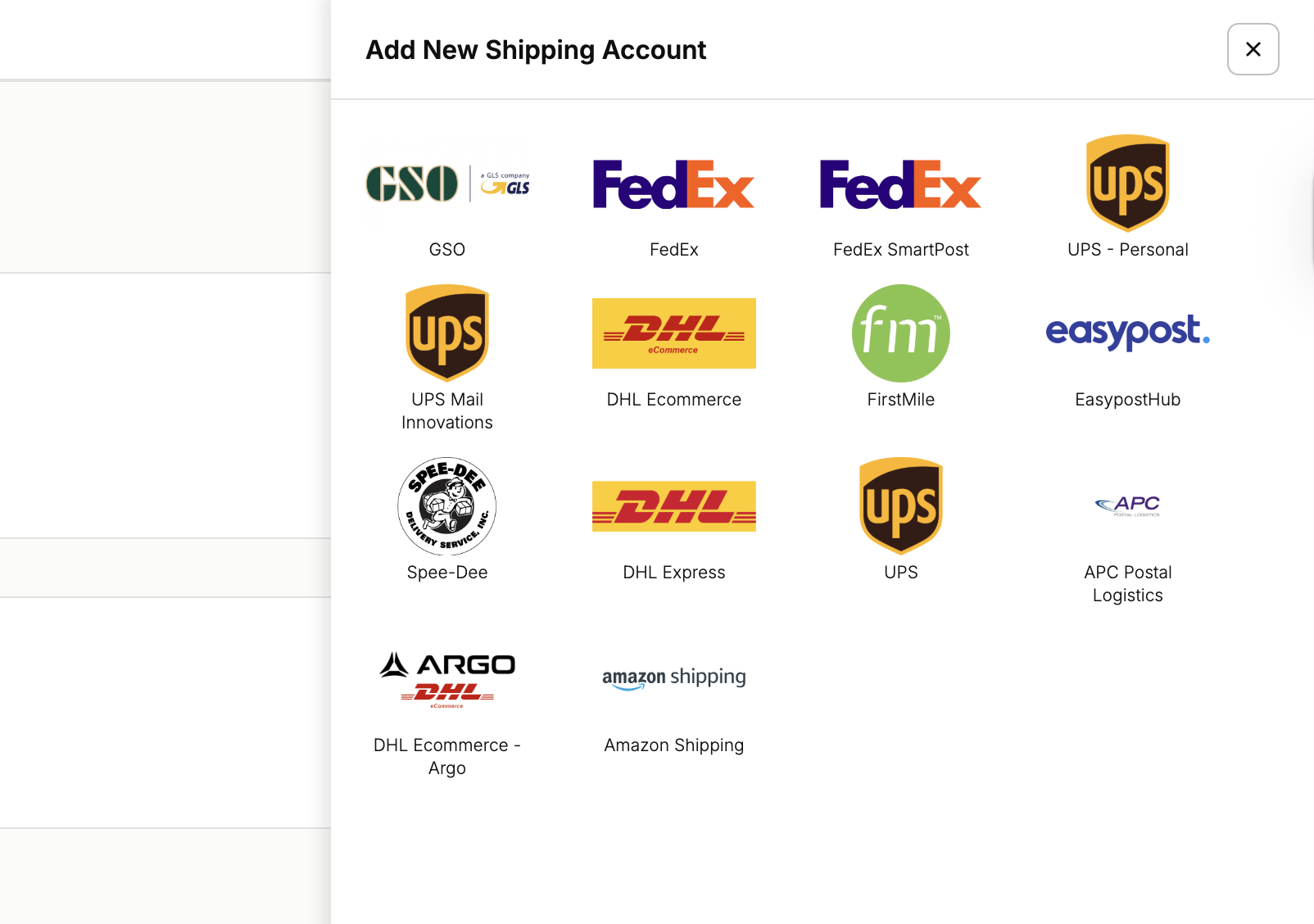
Click on "New Shipping Account" and select "Amazon Shipping".
-
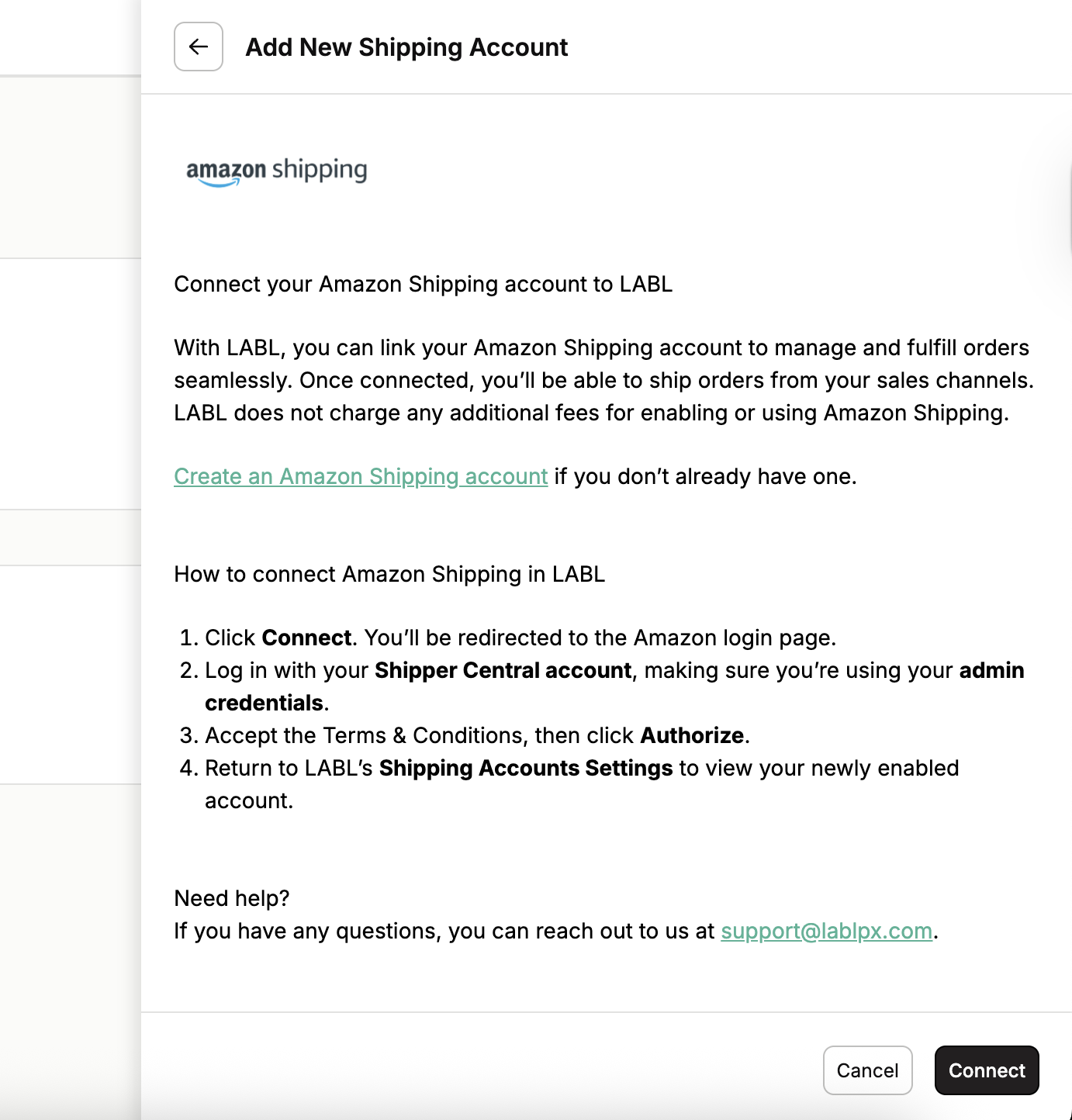
Read the instructions and click on "Connect".
-
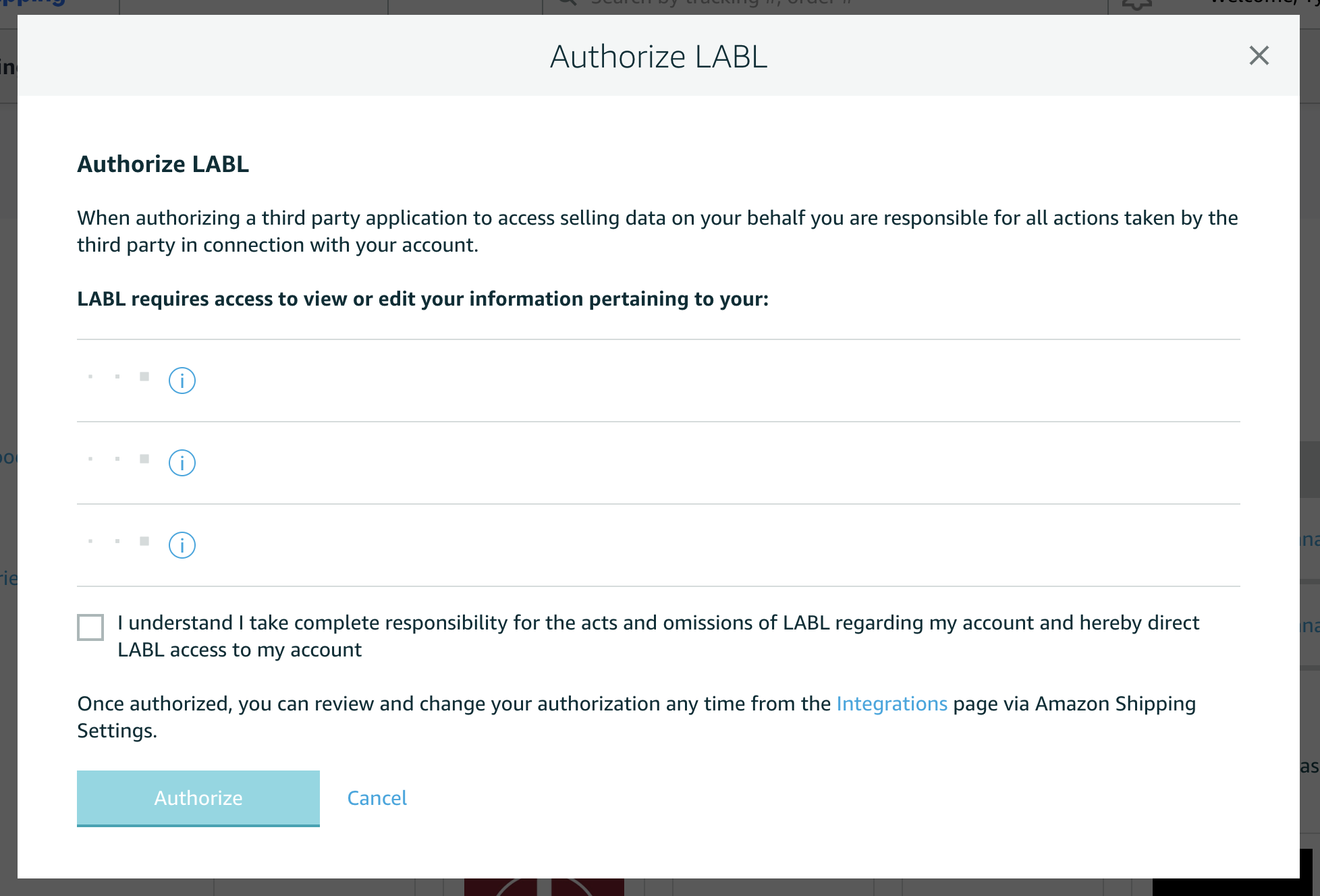
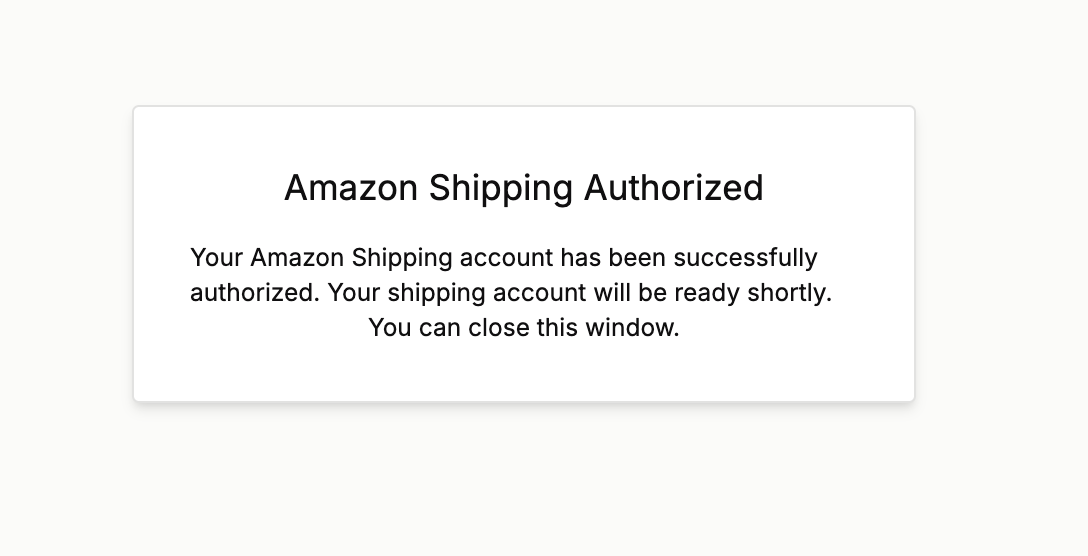
Continue the connection on your Shipper Account, accept the terms and conditions, and click on "Authorize".
-
Wait until the account is connected. Once the additional windows close, you'll see your newly connected account.
Support
For any questions or issues with the integration, please contact our support team at support@lablpx.com or visit our help center at help.lablpx.com