Connecting Etsy to Labl
Integrating with Etsy will allow LABL to automatically import all order and product information for easy processing. Order status and tracking information will then automatically be sent back to your Etsy store portal.
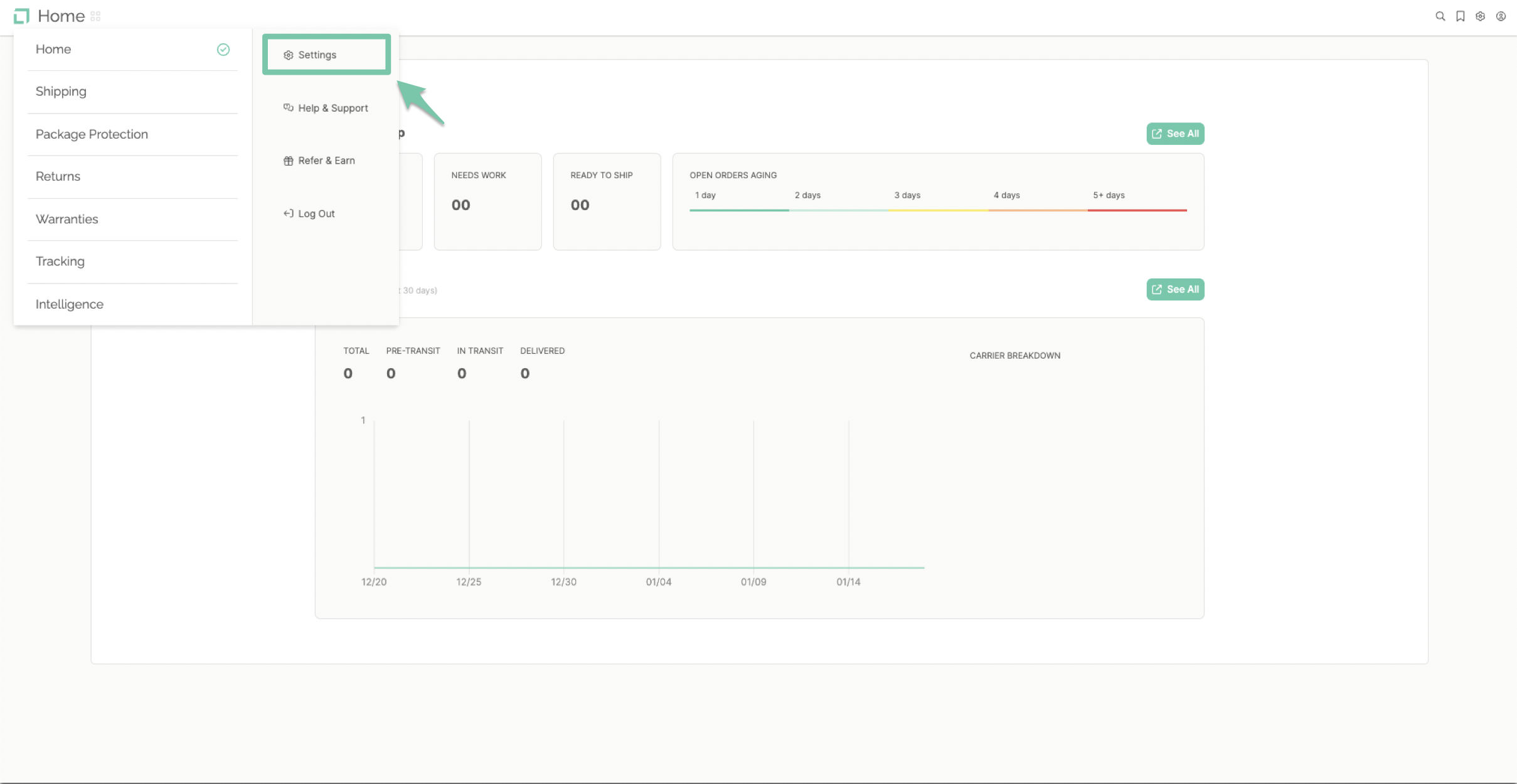
From the main dashboard, select "Settings" found in the navigation menu on the left-hand side.
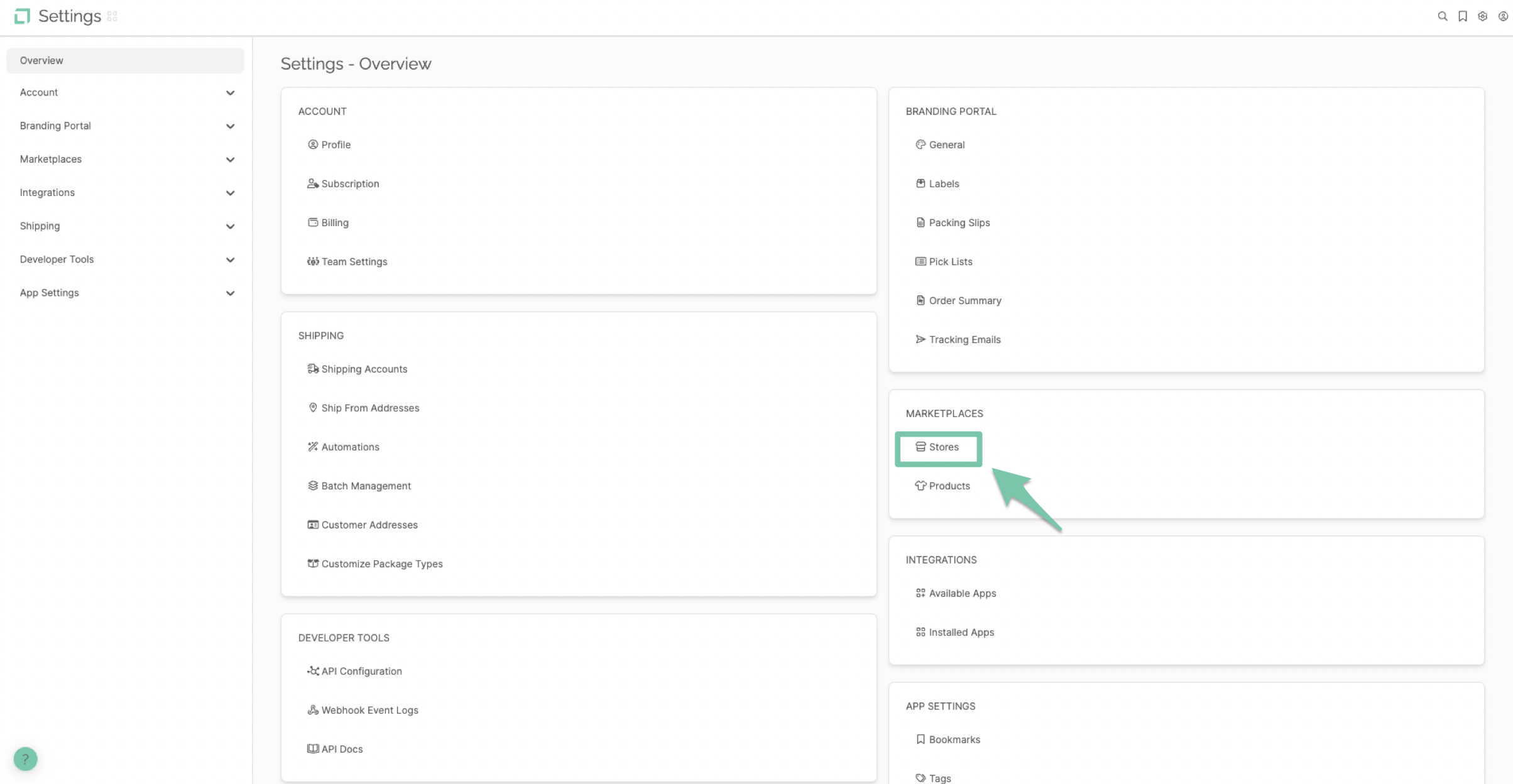
Select "Stores" found under the Marketplace section of the dashboard.
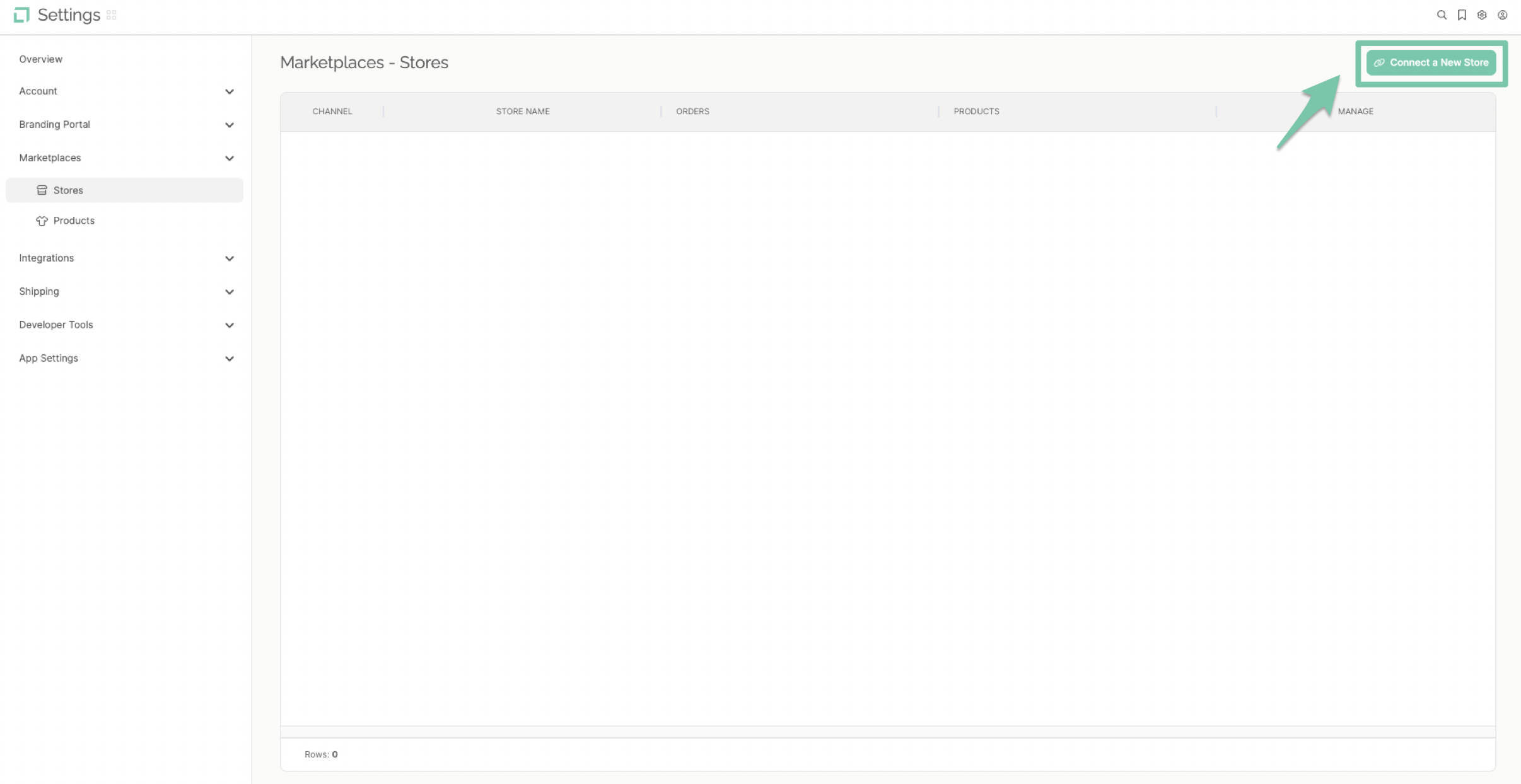
Click "Connect A New Store" to pull up your integrations list, or select the Shopify icon under featured channels.
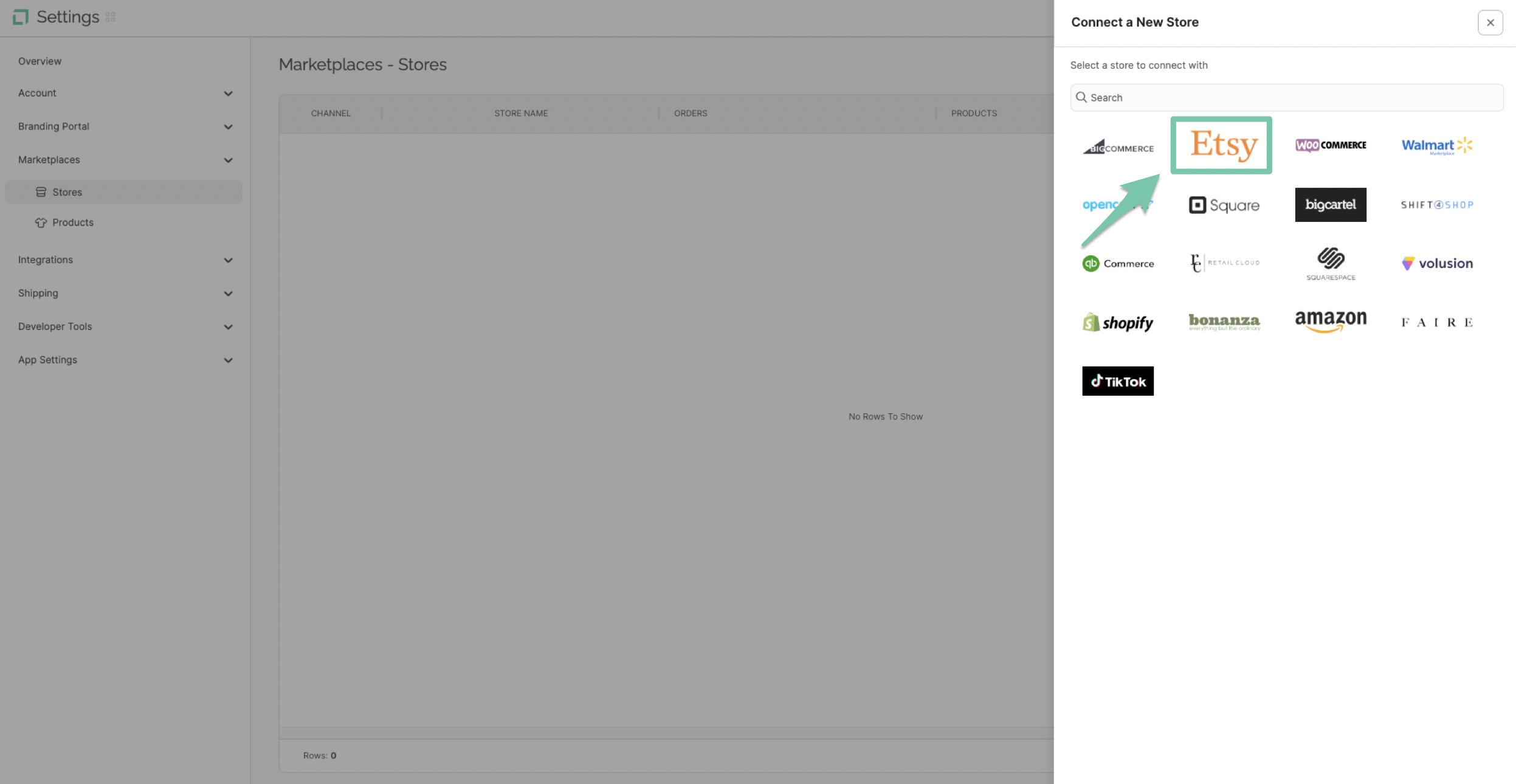
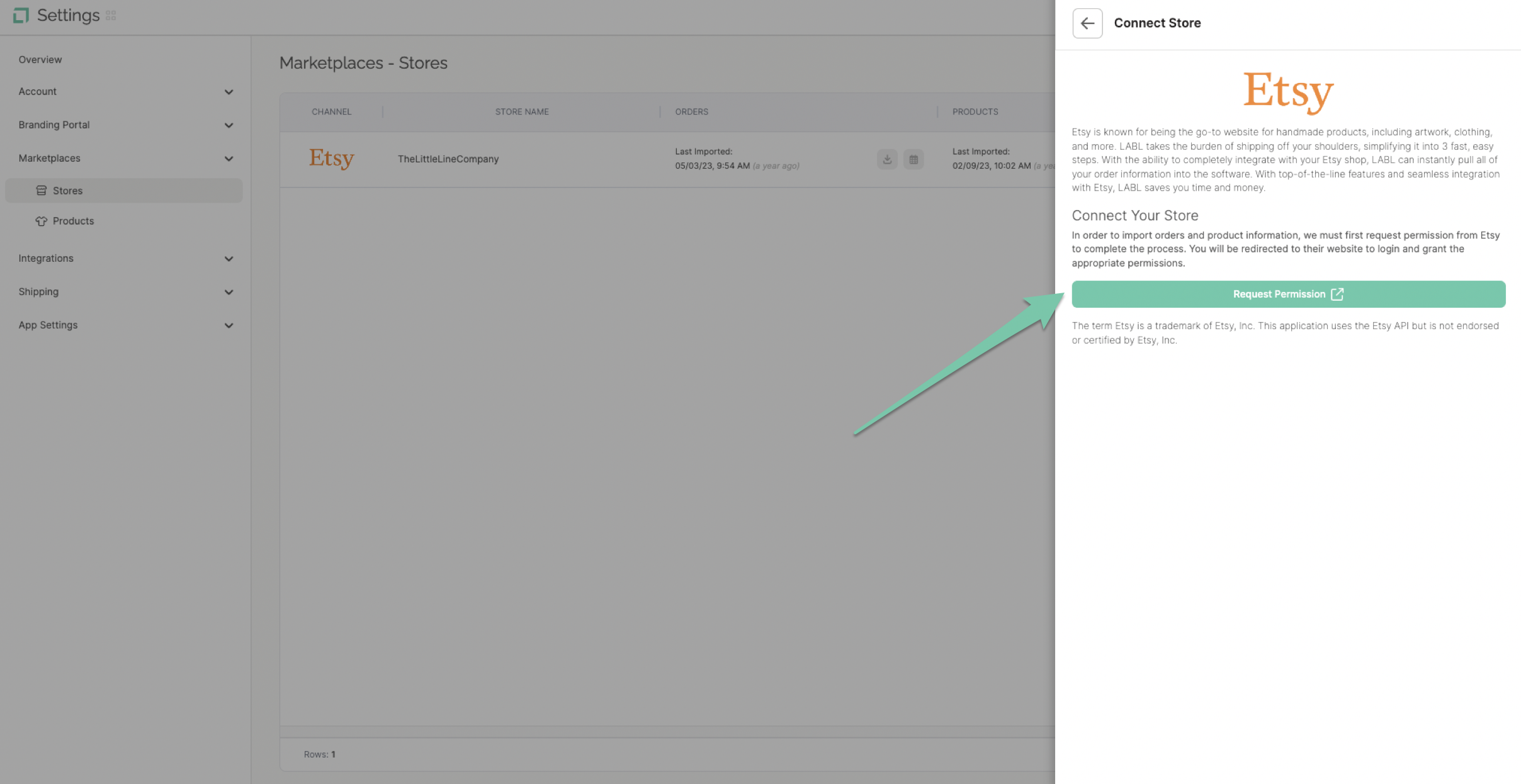
Click the Etsy logo on the store's channel list.
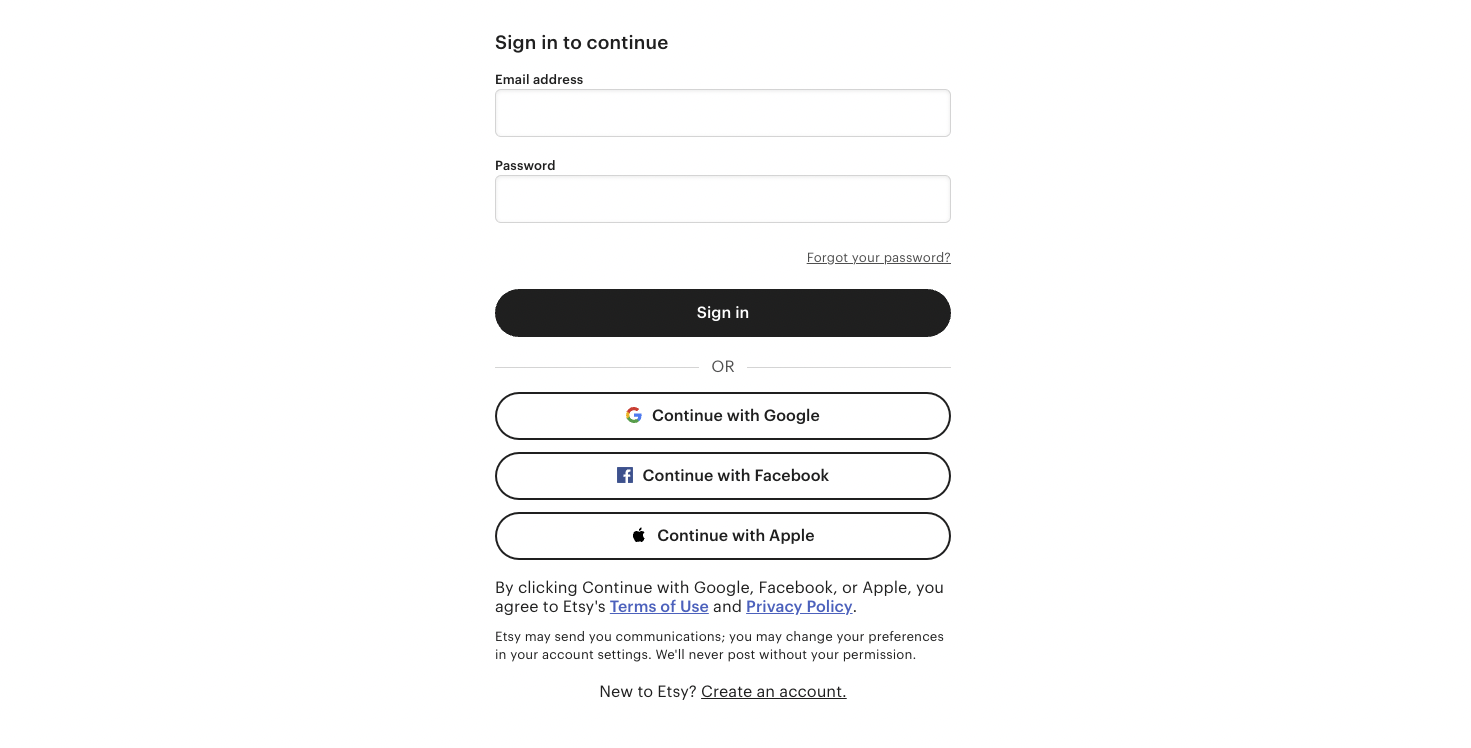
Click "Request Permissions" and follow the prompts to successfully integrate Etsy with LABL.
The term "Etsy" is a trademark of Etsy, Inc.
This application uses the Etsy API but is not endorsed or certified by Etsy, Inc
For additional details, see our Privacy Policy.