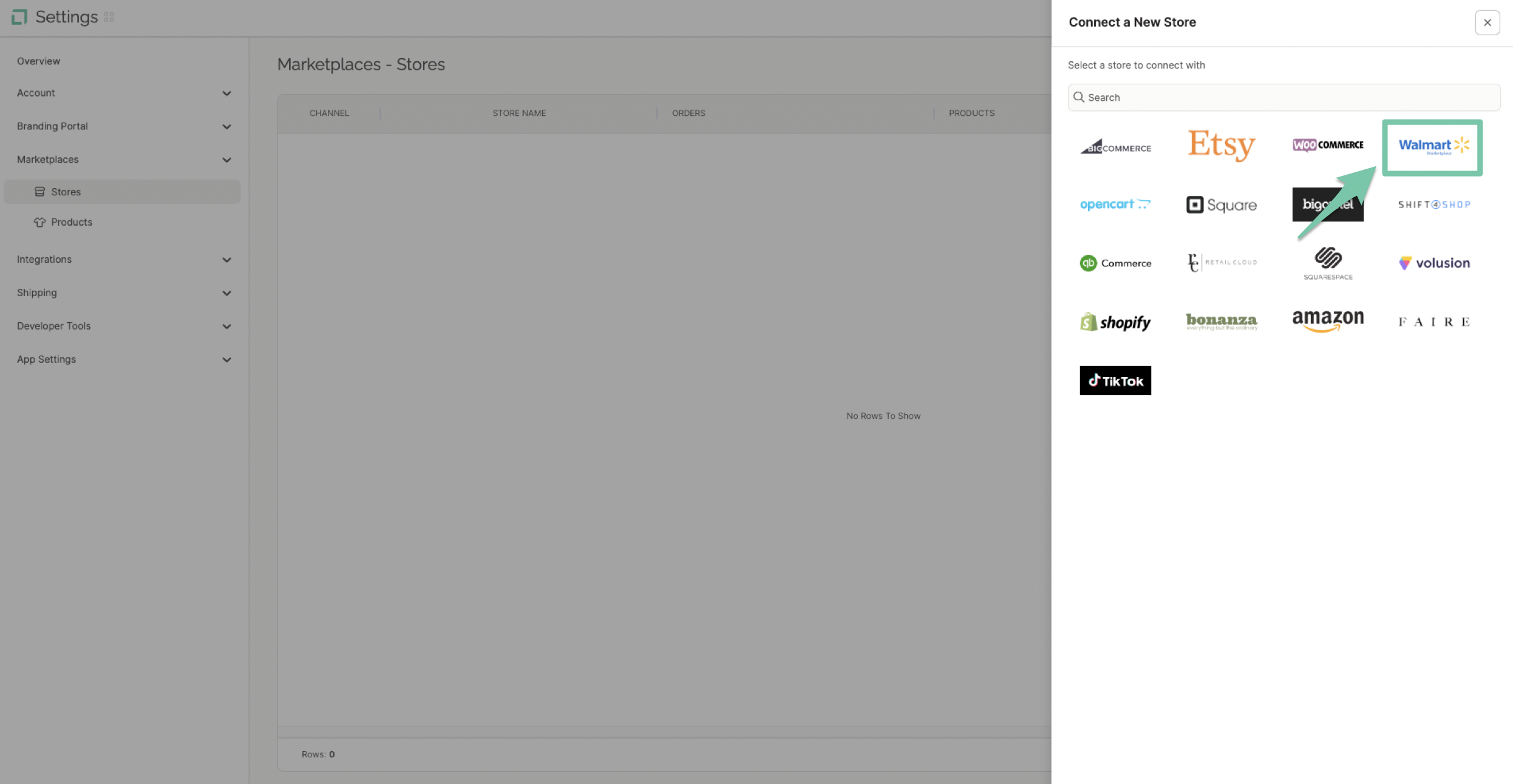
Integrating with Walmart will allow LABL to automatically import all order and product information for easy processing. Order status and tracking information will then automatically be sent back to your Walmart store portal.
-
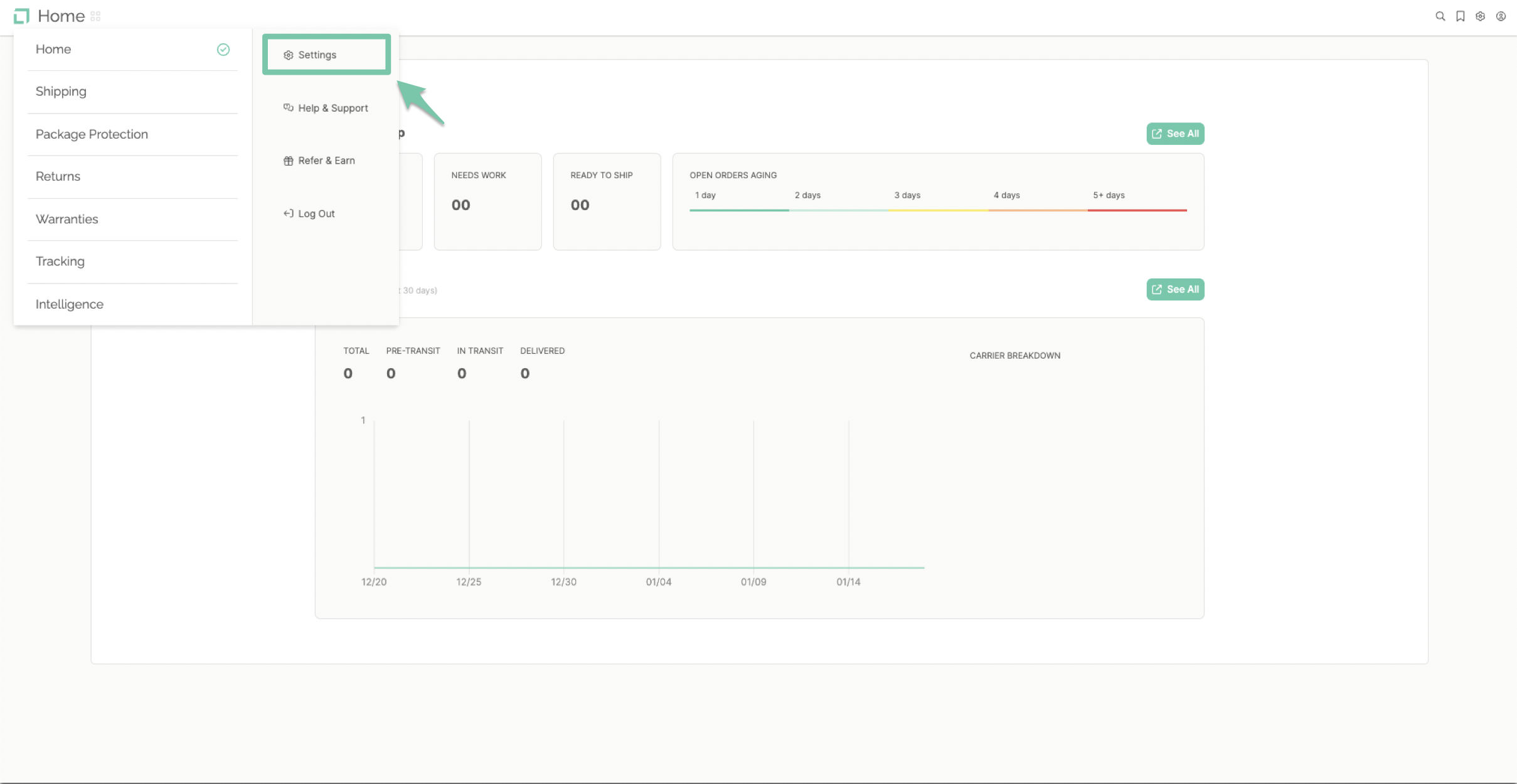
From the main dashboard, select "Settings" found in the navigation menu on the left-hand side.
-
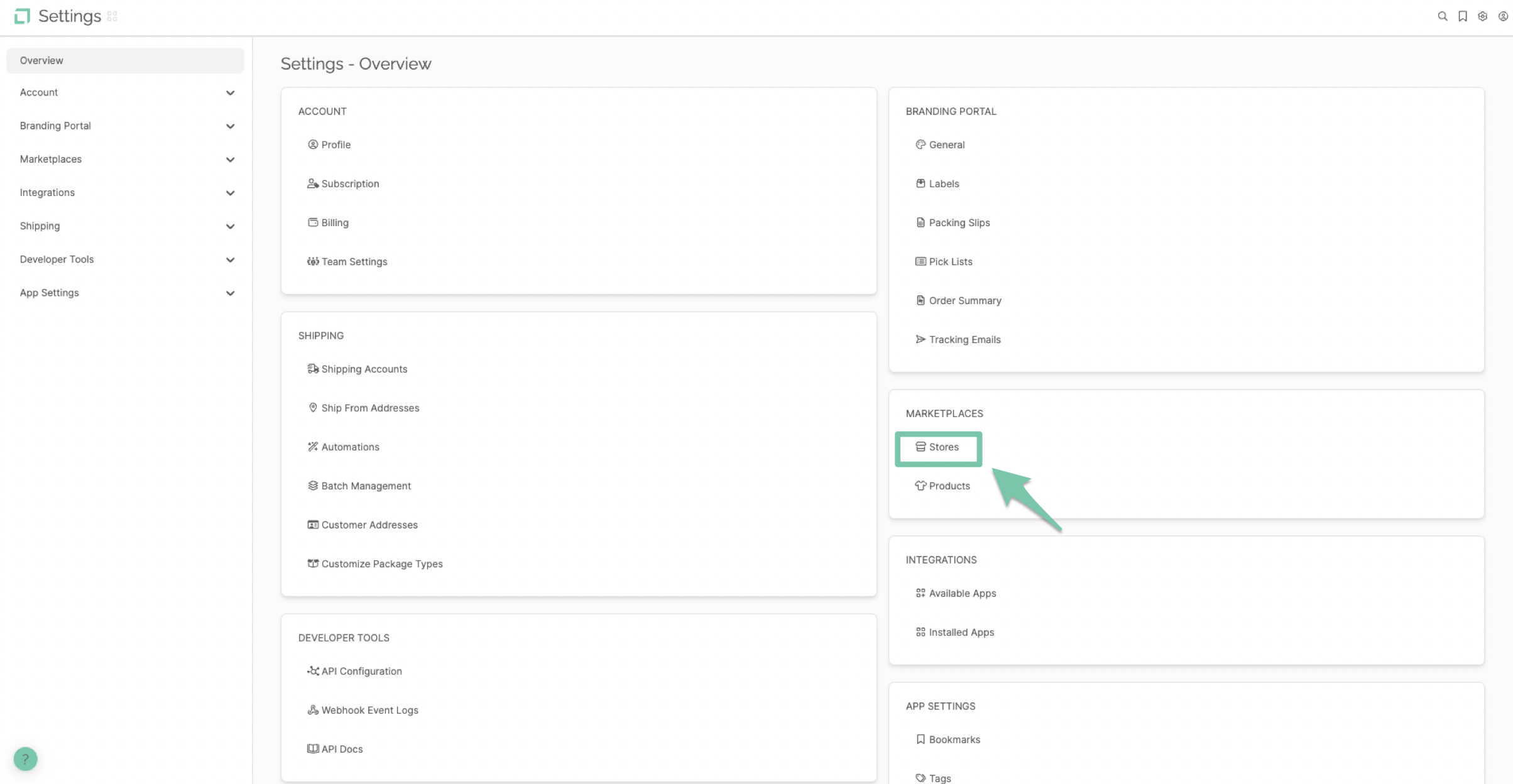
Select "Stores" found under the Marketplace section of the dashboard.
-
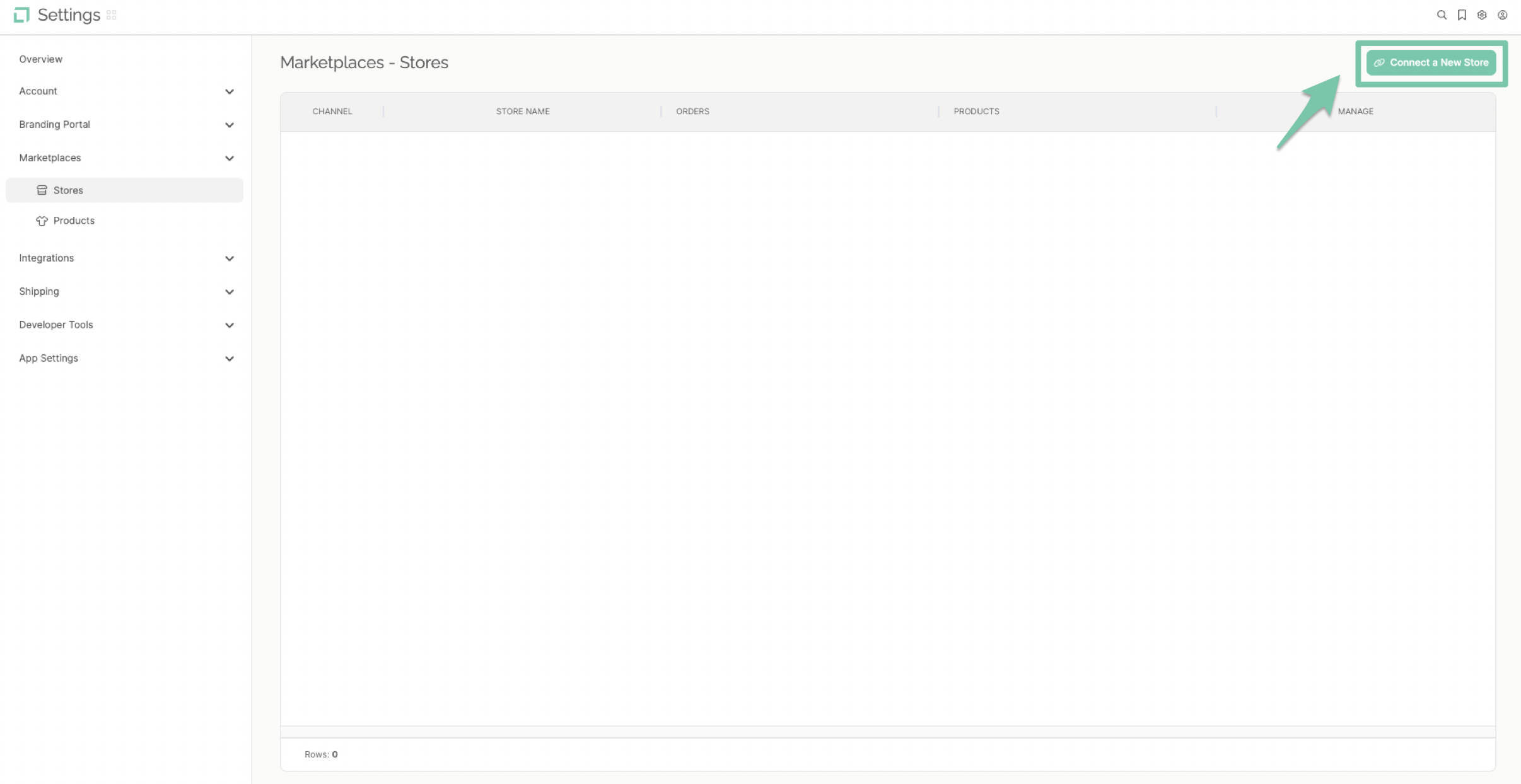
Click "Connect A New Store" to pull up your integrations list.
-
Click the Walmart logo on the store's channel list.